Do portfolio websites still matter?
Do you still need a portfolio website in the age of Instagram? Yes. Here's how to curate, structure, and design one that shows employers your best work.
A portfolio is a curated collection of your strongest work that showcases the range of your talents, abilities, and interests.
But do portfolio websites still matter?
Short answer: yes.
To get hired, people need to see your work. A portfolio website remains the most effective place where you can present a curated selection of your creative projects.
Even the most successful designers who have massive followings on platforms like Instagram still tend to use portfolio websites.
What makes a good portfolio website?
Rule Number One: There are no rules. It just needs to work for you.
Step one: Curate ruthlessly
Having a portfolio site is essential, but what makes a site effective comes down to what you include, and just as important, what you leave out.
I was taught an old-school approach of "less is more" when building a portfolio. In other words, your portfolio is only as good as the worst piece in it. You are better off showing 5 awesome projects than 5 awesome and 3 average projects.
First, curate the very best of your work.
I often see students use splash pages that require clicking to reach the work. As an educator, I constantly hear from employers: "just show the work." Don't make it hard for them.
You have seconds to capture someone's attention before they move on, so make sure the first thing they see when landing on your site is compelling.
Step two: Pick a hero project
The next step is to decide what project you want people visiting your site to see first.
If your site has a homepage with a grid of thumbnails, the top left thumbnail is the project they will most likely click first, at least in Western countries, where we read from left-to-right and top-to-bottom.
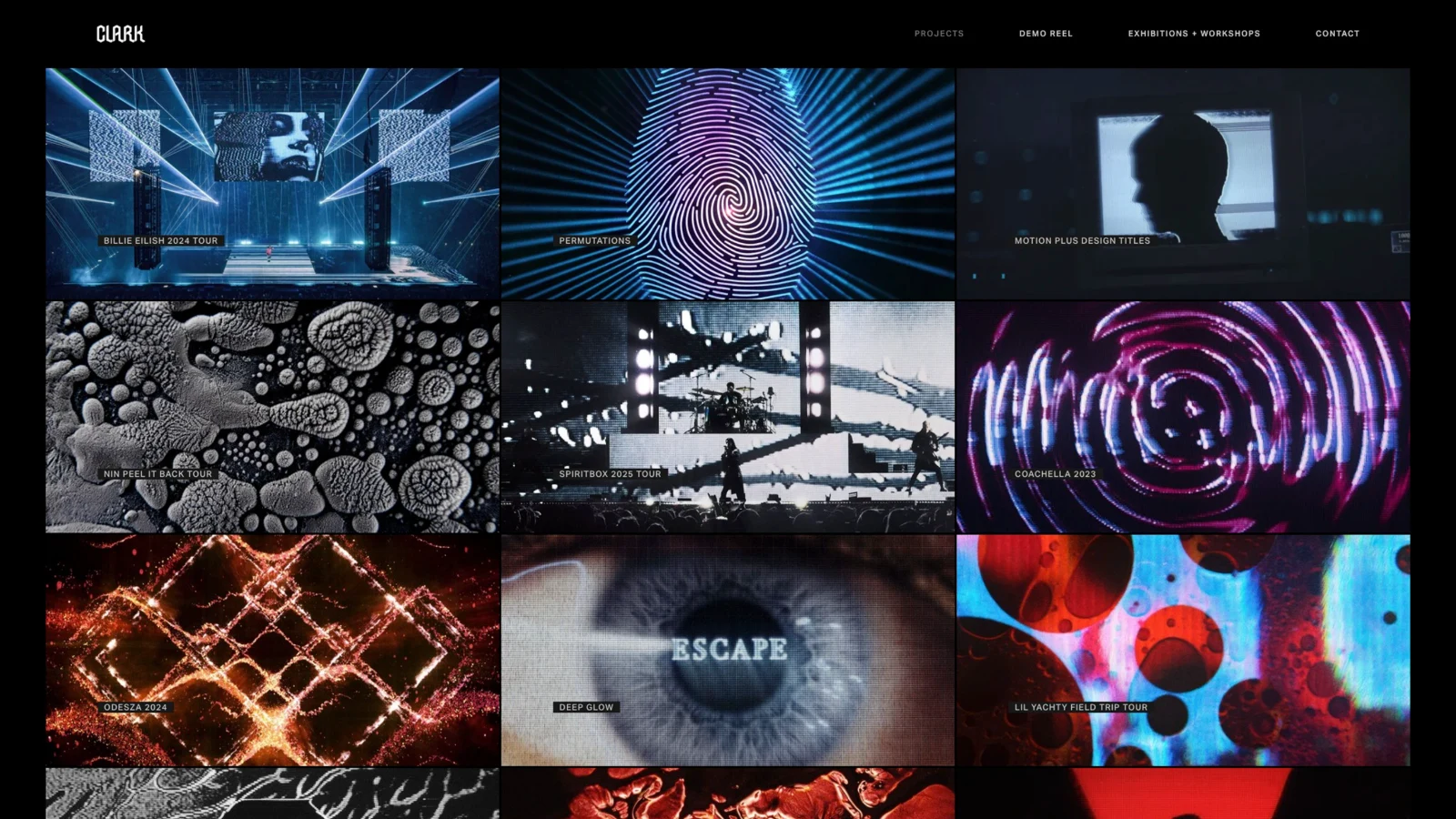
If your site design is stacked with a long scroll of projects from top-to-bottom, clearly the topmost project will be seen first. My suggestion is to show the project that you are most proud of and that best showcases your abilities and interests.
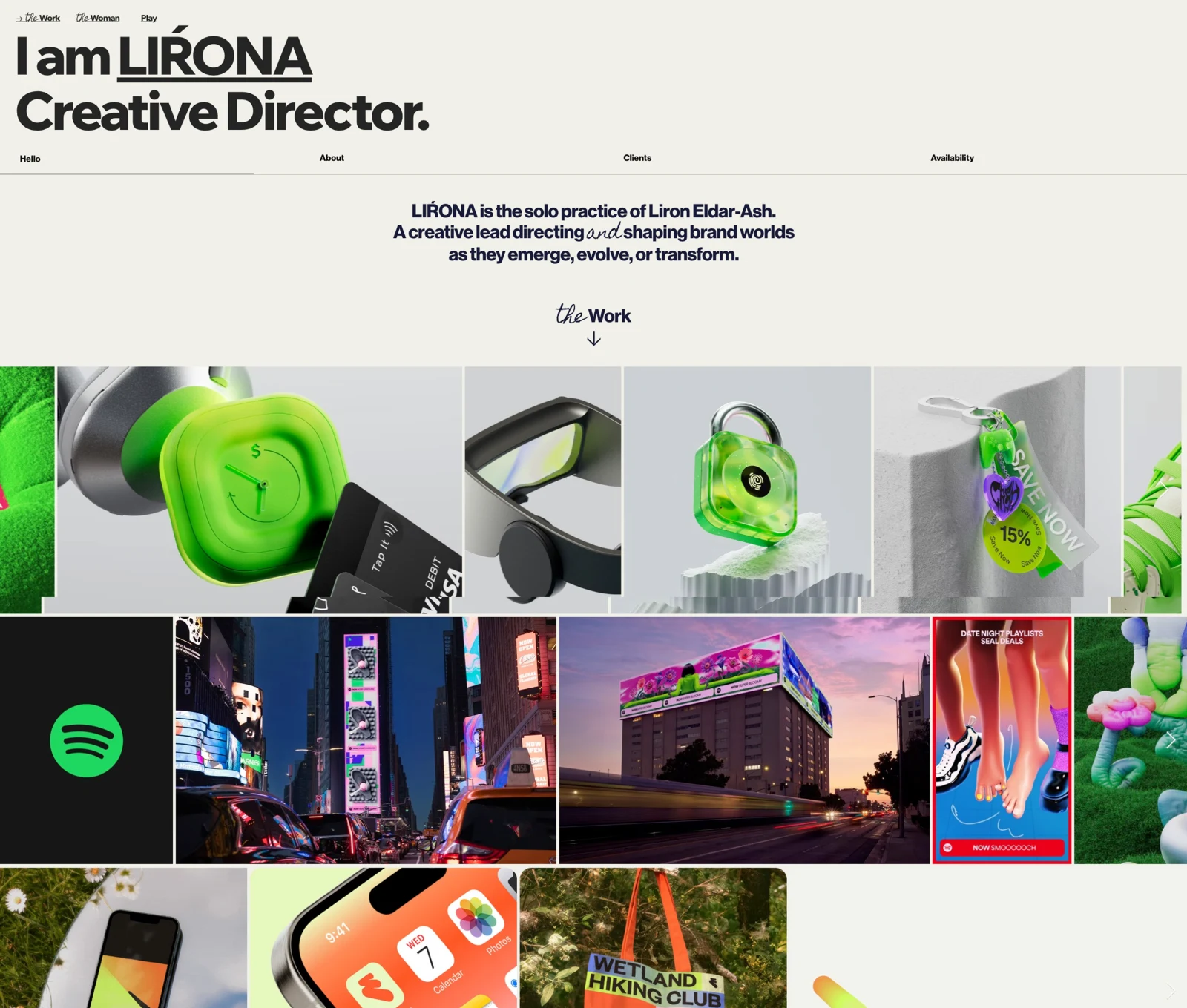
When deciding the order of the remaining projects, aim for a flow that showcases your aesthetic and technical abilities.
Variety in the sequence of projects introduces contrast and can quickly demonstrate your stylistic range and project types such as illustration, typography, 3D, compositing, cinematography, tactile design, etc.
General tips for website design
Don’t let the design of the website compete with the work you are showcasing. My suggestion is to keep the design of the site clean, simple, and professional. A white, black, or gray background will not interfere with the colors in your projects.
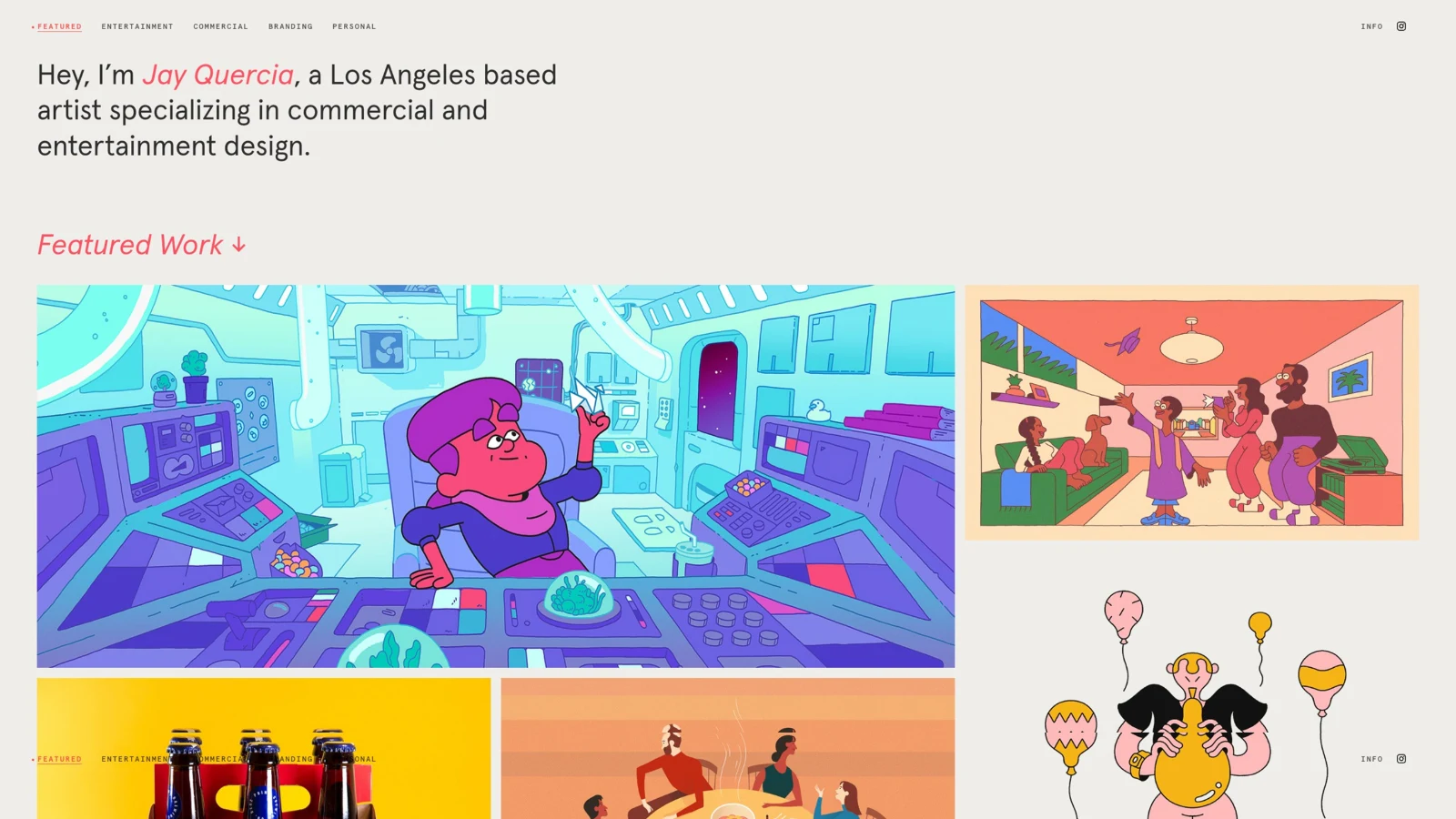
Typography should be legible and consistent. Consider using a utilitarian typeface with variable weights for your navigation menu, project names, and descriptions. You might also use a display typeface for moments you want to communicate personality.
Make your navigation as simple as possible. No one wants to figure out how to find your work on your website. Make it easy for the viewer.
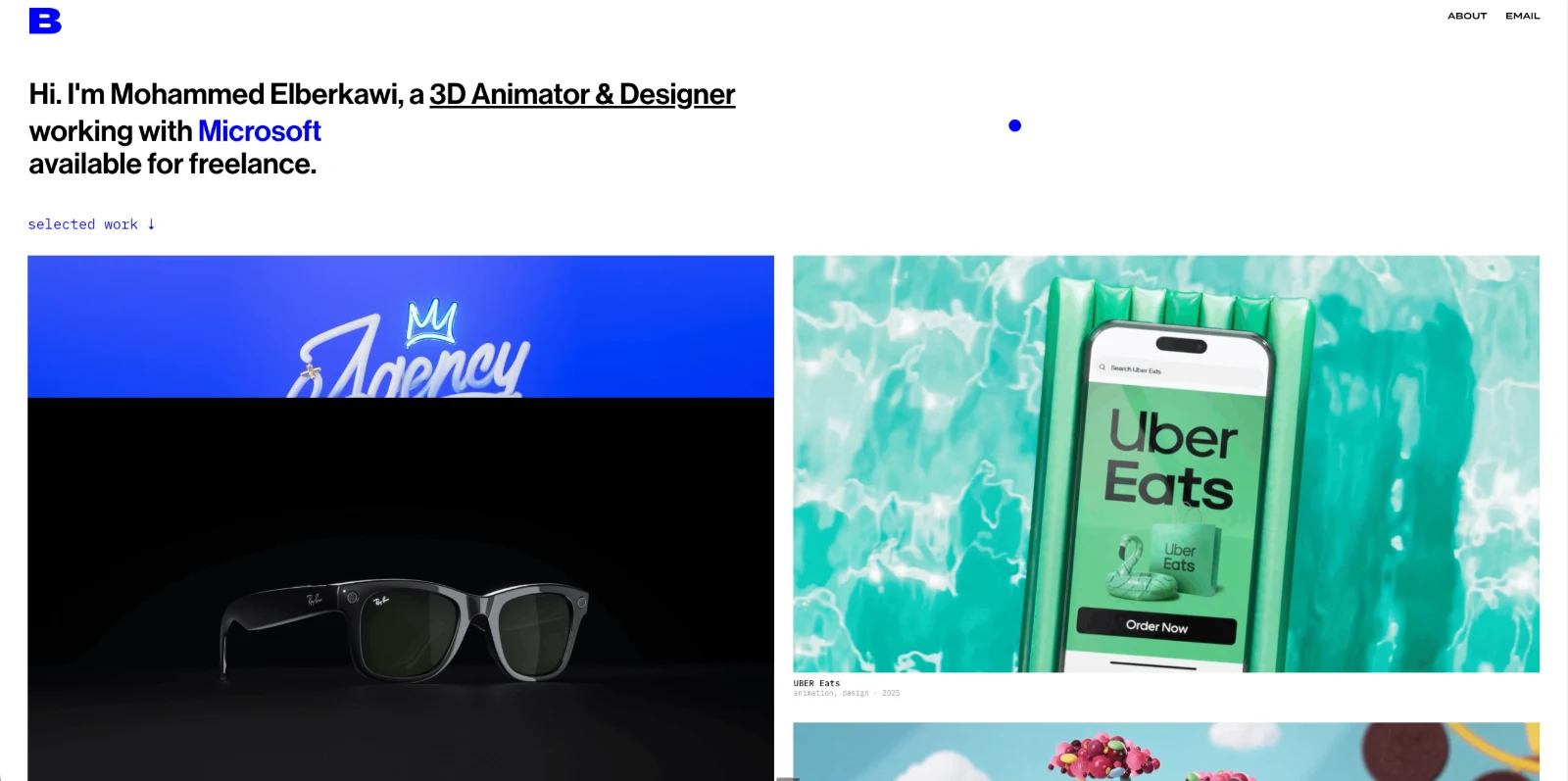
Students often ask if they should have all their work on a single landing page or create separate menu pages for each type of creative work such as motion, illustration, photography, etc. That is a personal decision.
Broadly speaking, the more items in the menu, the more complex the navigation. I am a proud generalist, so I like to keep all the various types of work I do on a single landing page.
The branding of your portfolio site should reflect your aesthetic/voice, but not overpower the work within.
If you are a student, don’t sweat your personal branding too much. Your name in an elegant typeface can work just fine as a logo. Just keep the design system for your site clean and consistent.
Thumbnails
Thumbnails are the preview images for projects on your portfolio website.
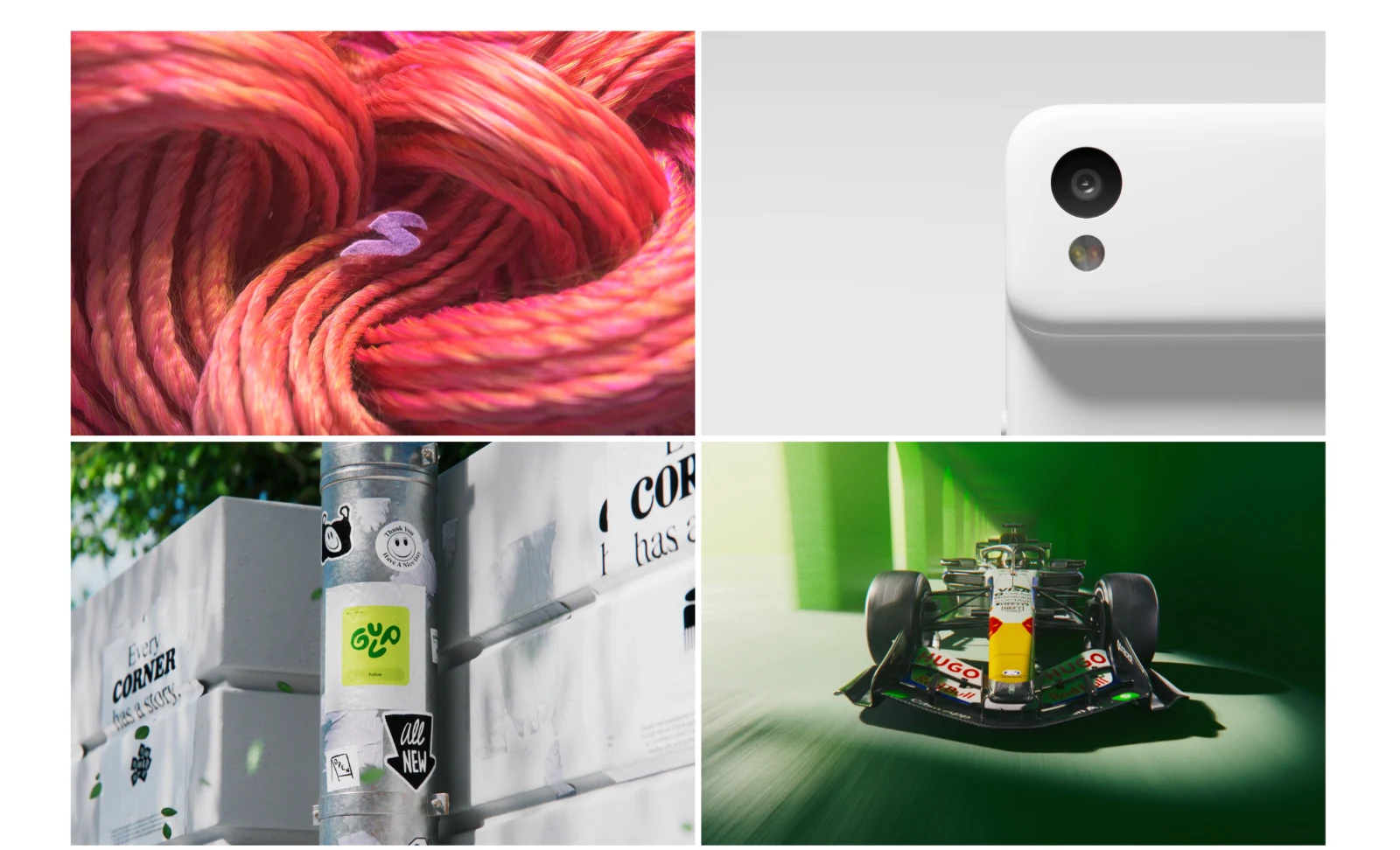
Think of your thumbnails as gift wrapping around a present. Wrapping paper gets you excited to tear it open and examine what is inside. That means you should curate thumbnails to be visually dynamic and compelling.
Look at your project and find a composition that works as a still, GIF, or looping MP4. GIFs and MP4s can work really well as project thumbnails because short looping animations attract the eye.
But an entire grid of thumbnails composed of GIFs might be overwhelming. Another option is to have an animated preview of your project play when rolling over a thumbnail.
Something else to consider with your thumbnails is how they feel next to each other. You want to build a layout that is visually satisfying. Contrast between thumbnails that are side-by-side will help to distinguish projects.
You probably don’t want two thumbnails next to each other that are too similar in color, value, or content. The layout of your thumbnails will influence the flow and order of how projects are viewed, so take your time in designing the most interesting thumbnails for your projects.
Process and case studies
In addition to presenting completed projects on your portfolio website, you also have the opportunity to showcase your process and present case studies.
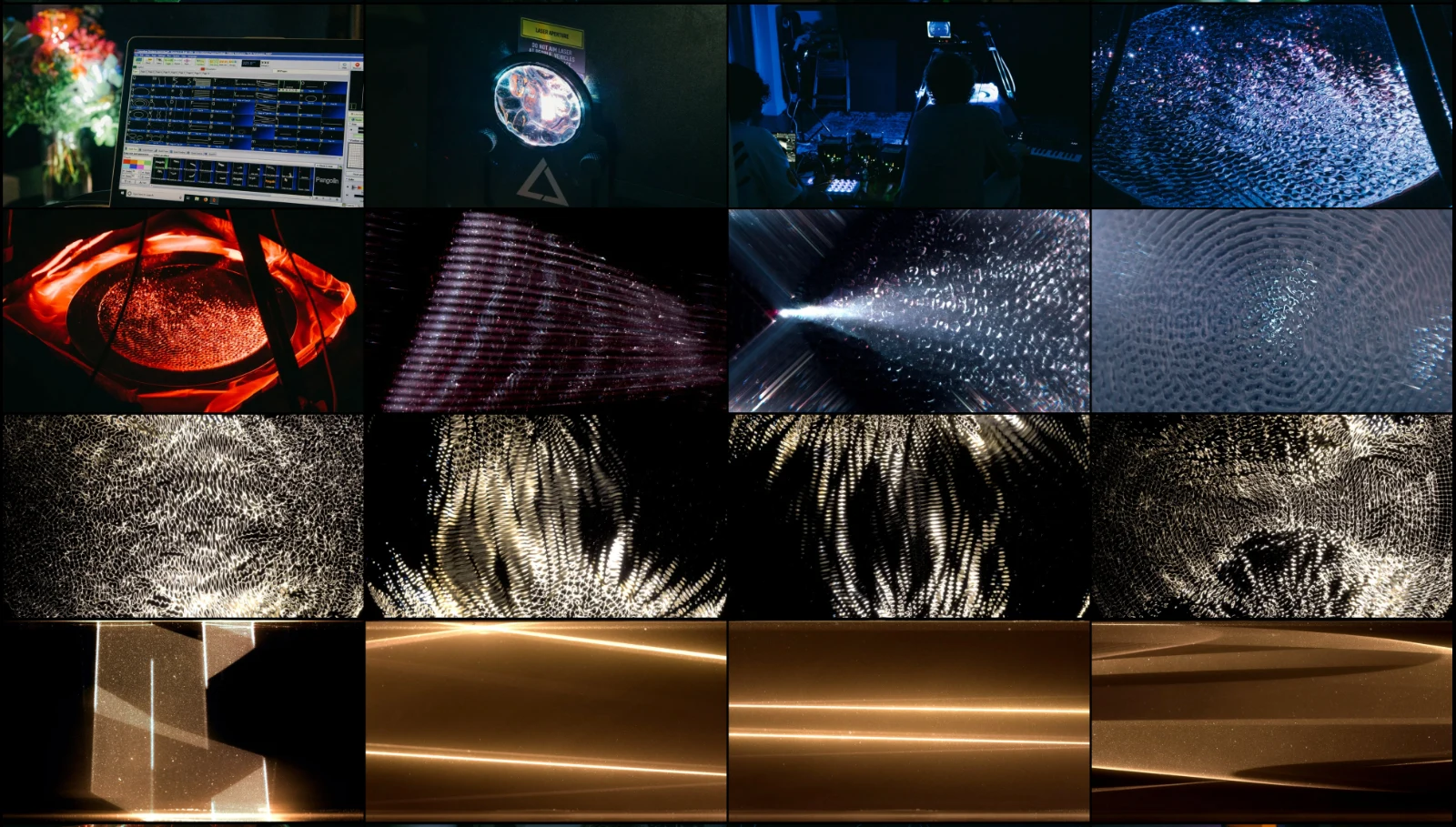
Another trend I've seen over many years of teaching is that employers enjoy seeing evidence of the creative process. For starters, seeing curated sketches and ideas alongside finished work is fun and interesting.
Showing your concept and design development serves as proof of ability, meaning you arrived at your solution with purpose and intention. It was not just a lucky one-off design that looks great. Including process with your finished work demonstrates your ability to research, ideate, iterate, and refine.
A question I regularly get from students is: “Should I show the finished project or the process first?”
My suggestion is to show the finished work first. Again, you want to attract and hold the viewer’s attention.
Let the finished work impress the viewer and draw them to dig deeper into the project page and process contained within.
The process you choose to showcase should also be curated and tell an interesting story about the project itself. You do not need to show everything.
Also, make sure that you are capturing high quality examples of your process. Nothing is more disappointing than beautiful sketches, ideation, or analog processes that are photographed poorly with a phone.
If your phone images do not look professional, use a scanner. Do some color correction in Photoshop or another app. Treat every aspect of your work professionally from process through completed outcomes.
How we do anything is how we do everything.
About page
An About page is an opportunity to introduce yourself. There is no single right way to organize this page.
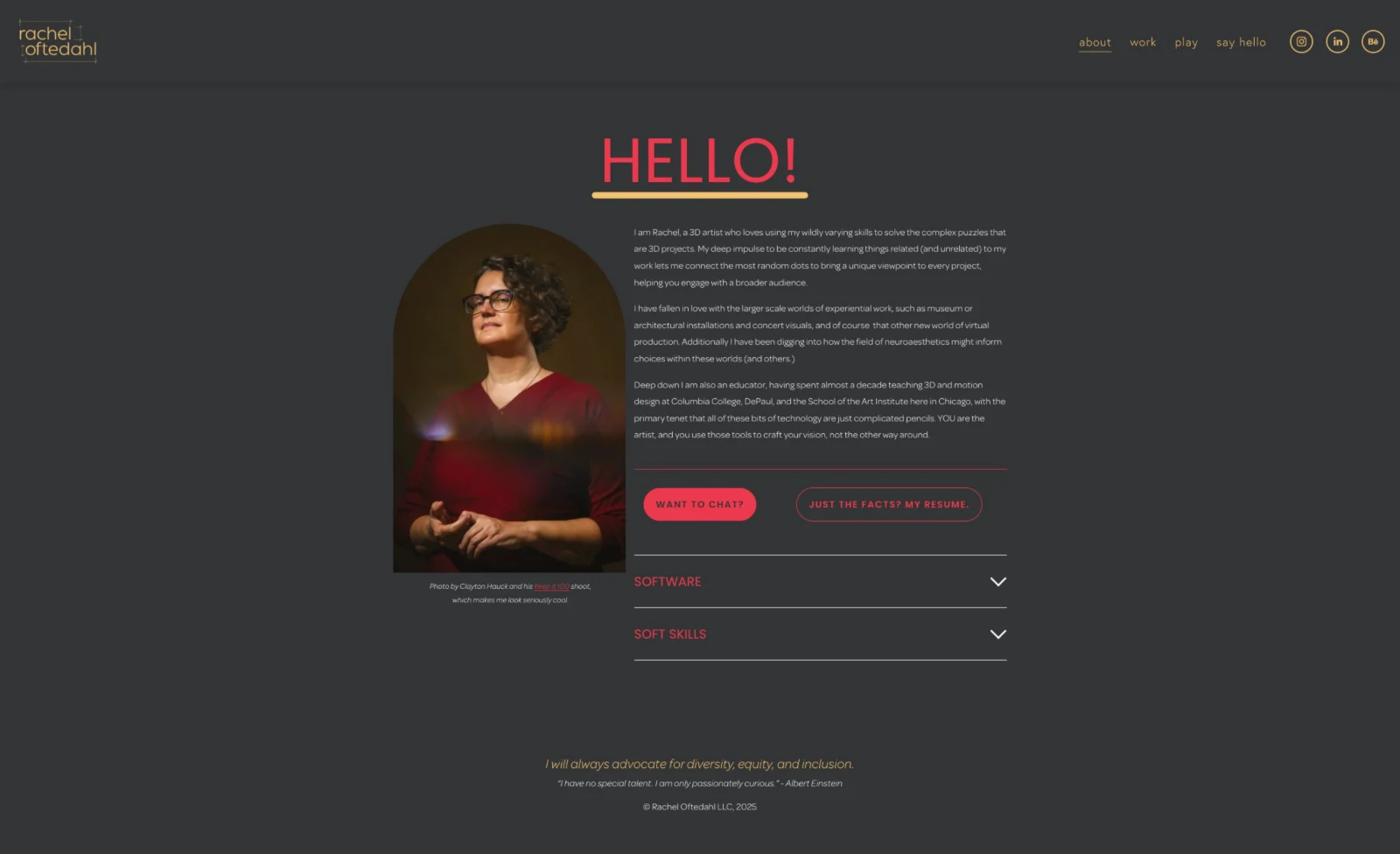
Let your authenticity direct the tone of your About page. Some people include a headshot or a candid photo, while others may present an illustrative or character-driven portrait of themselves. Some choose not to include a portrait at all.
Value proposition
A brief biography in this section of the portfolio site offers an opportunity to pitch your value proposition to potential employers as well as give a glimpse into your personality.
A value proposition is what you bring to the table in terms of both hard and soft skills.
You can talk about what areas of design you are most interested in and the types of projects you like to create.
It’s not a bad idea to mention your technical abilities as well. Some people include where they're from, their interests and hobbies, or a bit of humor.
This information gives a potential employer a brief look into who you are and insight into whether you are a good fit for their team.
Contact info
Although it may seem self-evident, make sure to include a way for people to contact you on your website. At a minimum, include a link to your email.
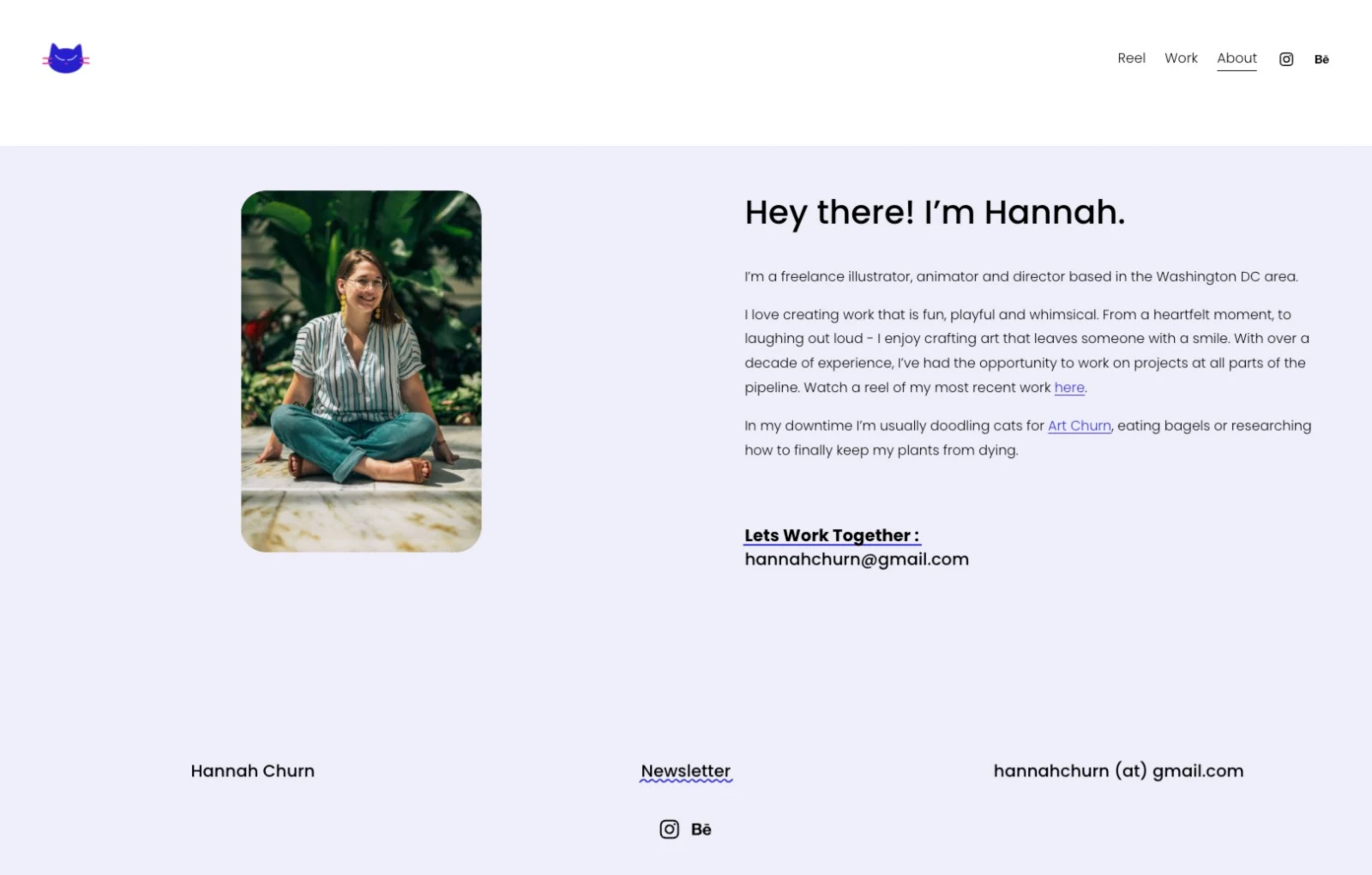
Students often ask if they should include their phone numbers on their websites. I think that is a personal decision, but you should ask yourself if you are comfortable letting anyone contact you via phone or text.
You can also consider getting a Google Voice number or other separate number for work purposes.
What about having a social media presence?
For my students, I recommend using social media as a professional tool to share short form projects such as interesting design and/or illustration, refined motion tests, experimental work, and process.
Small works are well-suited for social media because these platforms support a culture of glance media, work absorbed in a second or two as people scroll.
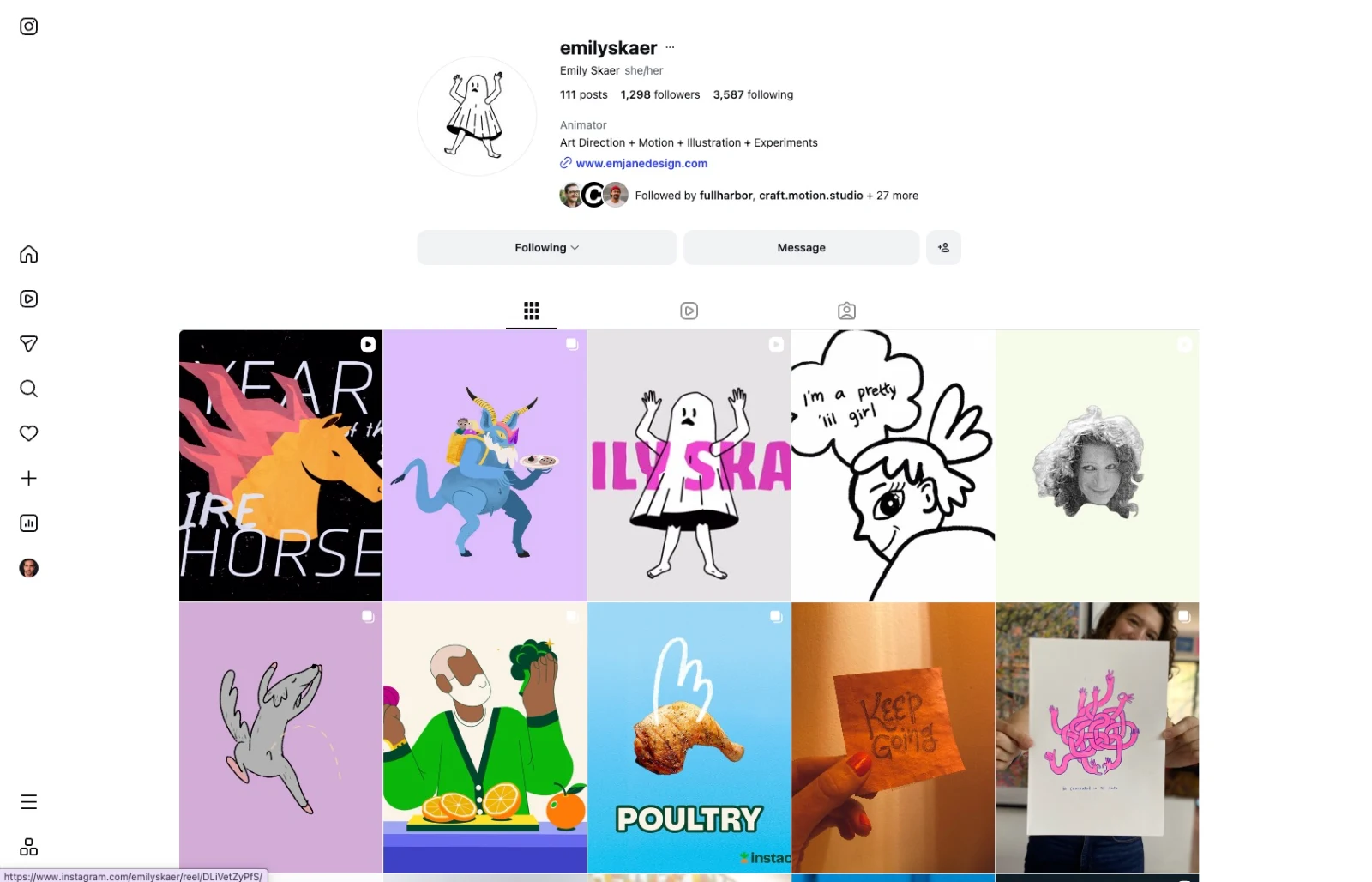
From a portfolio standpoint, a potential employer who likes what they see on your portfolio website will most likely head over to your social channels to see what type of work you post and to get further insight into your personality.
Conversely, a potential employer who likes something you posted on Instagram will find your website link in your bio, and do a deeper dive into your portfolio.
Your portfolio is a living document
Treat your portfolio professionally and strive to design something you are proud of. However, too much perfectionism can paralyze a creative person from getting started.
I like to think of my portfolio as a living document, meaning it changes. The actual form of my portfolio has radically changed over the course of my career and the work within continues to be updated.
Let your first portfolio website be just that: the first iteration.
I often tell my students that I fully expect their portfolio sites to look different in 3 months, 6 months, or a year.
When to update your portfolio site
It really depends on where you are in your career.
In the beginning, I updated my site whenever I created something new that I was proud of. The updates were pretty frequent until I was regularly booked as a freelancer and turning down work I didn't have time for.
In my experience, a designer stops updating their portfolio once they reach a senior level in their career where they are literally too busy. At that point, the updates come when they want to change roles, get bored, or have a slow period and realize it’s been 5 years since the last update.
To summarize, a portfolio website is your digital presence containing:
Completed Projects
Process/Case-Studies
About/Background Info
Contact Info
Social Media Presence
As you are building your portfolio website, don’t forget to have fun. Chances are, if you enjoy the process of making your site, the viewer will enjoy looking at it.
About the author
Austin Shaw is a motion designer, educator, and author. He is an Associate Professor of Motion Design at the Rochester Institute of Technology.